Current Facebook image dimensions
Every so often Facebook changes the image sizes you're supposed to use, on a Page for instance. It happens often enough that users check the guidelines as often as once a month. Let's look at the current Facebook image dimensions. See also: Facebook Page management. Facebook often changes its recommended image sizes.
In this post
- Facebook – image dimensions in 2021
- Facebook – cover photo dimensions
- Facebook – profile picture dimensions
- Facebook – group cover photo
- Facebook – FB image dimensions in posts
- Facebook – event cover image dimensions
- Facebook – Stories image dimensions
- Facebook – image dimensions 2021 – keep this in mind
- FB image dimensions
- Facebook often changes its recommended image sizes.
- In some cases it's worth going with larger photos than FB recommends.
- The cover image is one set of dimensions on a Page, another on groups and another for events. Cover photo, carousel ads, event cover – in every case you have to check whether the image format is right. And you have to check it on mobile as well as on desktop.
- It's worth going for high-resolution images.
Facebook – image dimensions in 2021
Facebook images make most people think of the profile picture and the cover photo, but there are far more of them and they turn up in different parts of the site. We've collected the guidelines on Facebook image dimensions – bear in mind, though, that they change often, which is why this post gets updated. Before you prepare an image for Facebook, check whether the rules have been modified. Let's focus on the most commonly used ones and on what the platform recommends. Photos in some parts of the site may look identical in format, but you have to watch the proportions. They have to look attractive across different devices. Remember that on Facebook the recommended image dimensions can change from one day to the next. Slightly cropped photos won't make much of a difference, but what can't happen is that element looking unattractive.
Check the current FB image dimensions you should be working with.
Facebook – cover photo dimensions
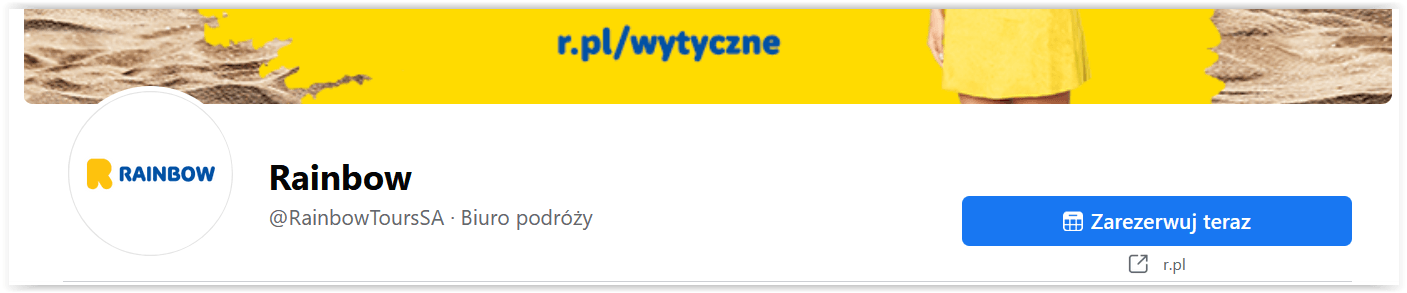
FB recommends that the image (the cover photo) be 851 x 315 pixels, and says it shouldn't be smaller than 400 x 150 pixels. We recommend a maximum photo size of 820 x 360 pixels – at that size the photo looks its best on desktop and on mobile alike. Go for the bigger image: the cover photo matters more than most, because it's the most visible one, the thing that hits you the moment you land on a company profile or any other. It's a landscape photo, of course.

Facebook – profile picture dimensions
The next important image on Facebook is the profile picture, the avatar. Here FB recommends at least 170 × 170 pixels, while we suggest going considerably bigger – 900 x 900 pixels. At those dimensions the image will look good across different devices. Keep in mind that the photo gets cropped to a circle, i.e. into a round frame.
Facebook – group cover photo
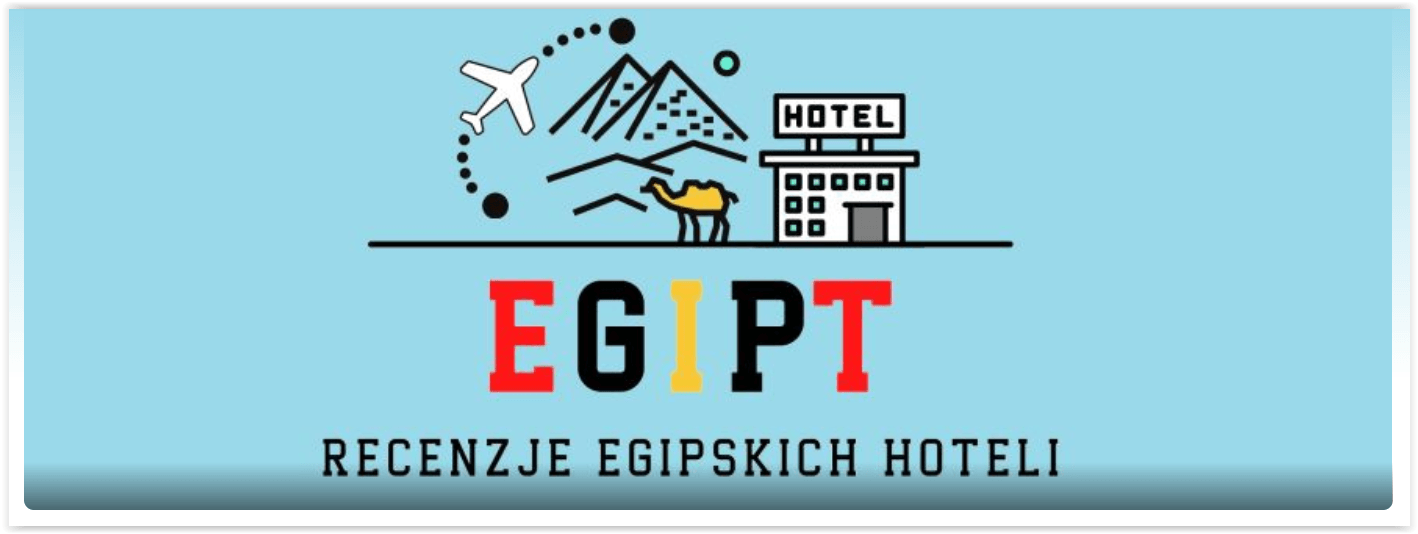
Here Facebook recommends different image dimensions than for a Page cover. The recommended size is 1640 × 856 pixels, and that's what we recommend too.
Facebook – FB image dimensions in posts
An image can be posted in a range of formats. Landscape rectangular posts should be 1200 × 800 pixels, portrait rectangular posts – 960 × 640 pixels, and square ones – 1200 × 1200 pixels. Here, as everywhere else, it pays to polish the image: it affects your Page likes, because attractive, interesting posts get shared.
Facebook – event cover image dimensions
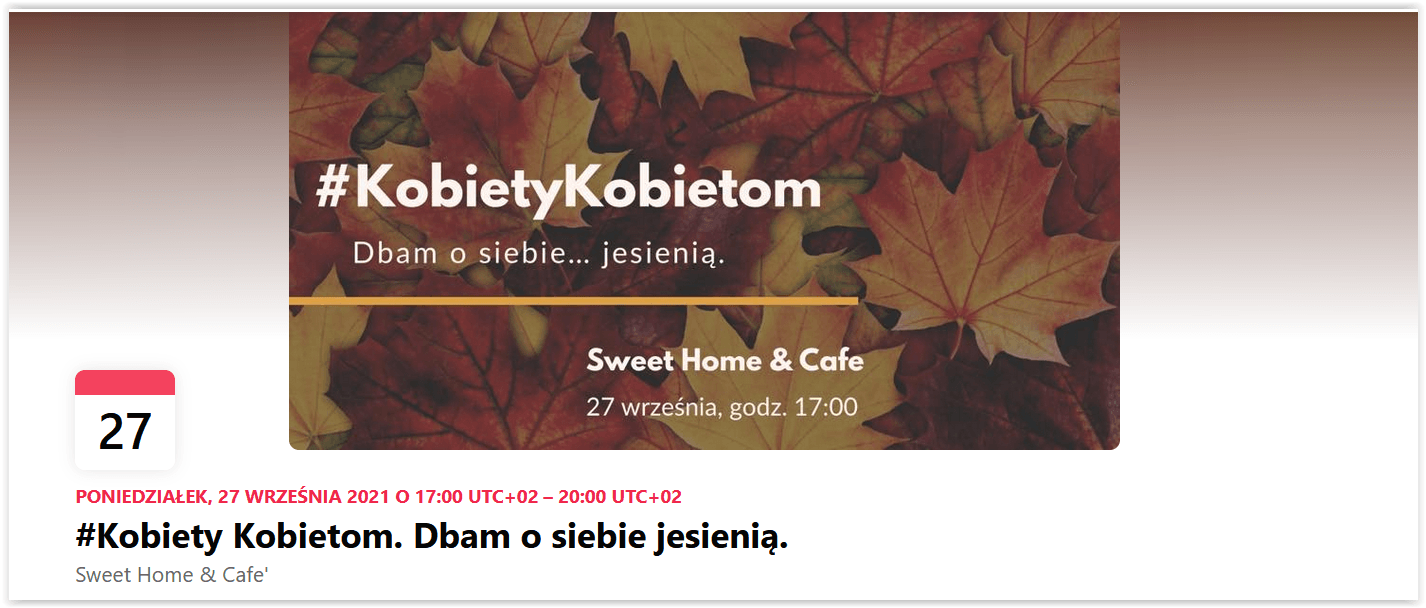
The recommended resolution is 1200 × 628 pixels. At that size the photo shows up well across different devices. Events are an effective way to use social media to reach the people interested in a concert or another kind of party. The event cover image is the element that can pull attention in and turn it toward specific things connected with the event.
Facebook – Stories image dimensions
Here the image should be 900 × 1600 pixels. That way the photo looks great across different devices. Facebook offers this feature to more than just individual users – it's a vertical photo you can use to promote a brand.
Facebook – image dimensions 2021 – keep this in mind
Before you add a photo to FB, look not only at the current image dimensions but also at a few important points that apply to the cover photo, the Page cover image and more. Here they are:
- save photos as png – that way you won't lose their quality,
- you can go with larger FB image dimensions than recommended, but then remember to keep the proportions,
- photo compression – if the cover image is over 100 KB, FB will compress it automatically. That's the maximum file size.
When you're working up the photos that go into a group cover, landscape photos or artwork for Facebook Ads, there are all sorts of apps you can use day to day – free ones included. Current image dimensions are one thing; photo quality is the next. For editing you can use a range of apps that will get you a profile picture, an event cover, a vertical post and more. If you don't know Photoshop or don't have it, you can go with other apps that make the effect you're after easier to reach. You can even build display ads for Facebook Ads that way. The apps are:
- Canva – the free version limits what you can do, but it will handle the important graphic elements for your Page without trouble, current image dimensions included. The app's strength is how easy it is to use: making a profile picture here takes no graphic design knowledge at all.
It's worth remembering that while you're preparing images at the current dimensions, you can reach straight for a simple online photo editing tool, the Canva photo editor. It lets you quickly crop and fit photos to the formats you want, improve their quality – light, color and sharpness among other things – and use filters, effects and the feature that removes the background or unwanted elements from a photo. It's a practical option for anyone making graphics for social media, articles, promotional materials, print or their own use, all the more so because finished projects can be exported without a watermark.
- TinyPNG – this one gets you to what Facebook expects: cover photos of up to 100 KB, with their quality intact.
Remember that in every case you should use the current FB image dimensions, but with quality in mind. You can't have cover photos that put people off and look unattractive.
Does Facebook still put limits on how much text you can use? In theory that restriction is gone, but you're better off keeping text under 20 percent of what's visible in the image. If you go with an image carrying more than that, you may get the impression your reach has been cut to the bone. Stick to that rule and the profile picture on your company Page, and your other images, will be easier to read.
FB image dimensions
Before you set about preparing a new image for Facebook, make sure to check whether the dimension requirements have changed. The photo should be clearly visible across different devices, not cropped. Marketing on FB, and how well it works, depends in large part on whether the image used in each part of the site has been chosen properly.
 Social mediaSocial LamaSocial media management – how do you manage your presence effectively?In the age of digital transformation, social media management has become a fundamental part of the marketing strategy of every company that wants to build a strong position in its market. Social media is a powerful communication tool for a brand that knows what it is doing: it lets you deliver information in the right form and at the right time for the audience, while raising brand awareness and building lasting relationships with customers. Social media marketing today demands more than an online presence. Above all it demands a strategic approach that accounts for business goals, the specifics of the target audience and the fast-moving trends in social media.READ POST
 Social mediaSocial LamaIs it worth starting from scratch? How the algorithm treats new and existing social media profilesWhen you set out to grow a brand on social media, you sometimes face this dilemma: build the community on the profile you already have, or start from scratch? Plenty of myths circulate about algorithms and what they prefer, but the truth is more complicated. The choice between a new account and an old one comes down to a few key factors that can decide whether you succeed or fail.READ POST
 Social mediaSocial LamaHow to post a trial reel on Instagram?Instagram keeps shipping new features that help creators and brands manage their content better. One of those tools is the trial reel, which reaches people outside your community first. The video goes to people who don't follow you – and if the test results look good, one tap shares the reel with your followers too.READ POST